Remote work network checklist: Guide to secure home office
"The transition to home-based employment requires a structured approach to digital safety to prevent data breaches."
A remote work network checklist serves as a vital defense against vulnerabilities when professional tasks move into a domestic setting. This guide helps users secure their home offices, outlines essential connectivity steps, and addresses the shifting landscape of telecommuting.
Key takeaways: * Establish a clear separation between personal and professional hardware. * Regularly update router firmware and encryption protocols. * Maintain consistent security hygiene to protect sensitive corporate data.
Why is a remote work network checklist necessary?
At midnight in the dim study, I tap my fingers nervously against the desk while realizing how much a remote checklist matters for safety.
A technician adjusts a router in a quiet living room to ensure the signal reaches the home office. Establishing a consistent remote work network checklist prevents unauthorized access to company files when employees work from diverse locations.
Securing a connection is no longer just about internet speed; it is about protecting the integrity of the data being transmitted. As work patterns fluctuate, having a set of protocols ensures that security is not sacrificed for convenience.
The need for these protocols is driven by the changing nature of the workforce. According to a Labor Department study, millions of Americans ceased working from home by 2022, and the number of employers reporting teleworking decreased to the level before pandemic levels.
This shift means that while remote work is less universal than during the peak of the pandemic, the remaining remote roles often involve high-stakes data management.
A Home office security guide focuses on the unique vulnerabilities of residential hardware compared to corporate infrastructure. Without a centralized IT department to manage local networks, the individual becomes the primary defender of the digital perimeter.
How can I set up a secure home office?
At dawn in the quiet study, I tighten the screws on my new desk while contemplating the importance of a remote setup.
An employee sits at a desk, carefully plugging an ethernet cable into a laptop to bypass the unpredictable Wi-Fi. A secure home network setup involves physical and digital partitioning to keep professional traffic away from household devices.

The first step is to isolate the work computer from other family members' devices. Using a separate guest network or a dedicated hardware setup can prevent a compromised smart toy or gaming console from accessing sensitive documents.
A remote access safety list should include several foundational steps: 1. Change all default administrator passwords on your router immediately. 2. Enable WPA3 encryption if your hardware supports it to secure wireless signals. 3.
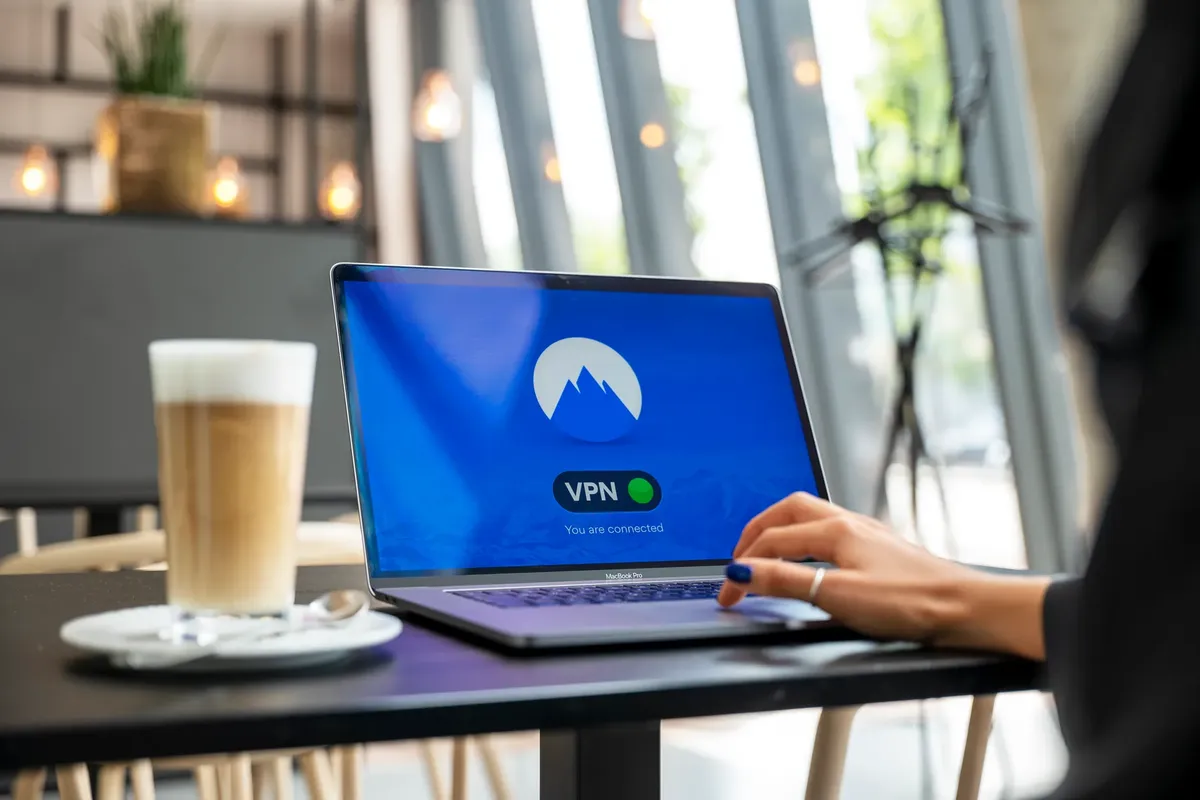
Set up a Virtual Private Network (VPN) to create an encrypted tunnel for all work-related traffic.
I remember checking my own router settings after realizing my smart speaker was on the same network as my work laptop. This realization made me prioritize network segmentation to ensure my professional tasks remained isolated.
What are the essential work from home IT checklist items?
A worker closes a laptop lid and verifies that the wireless signal is strong in the corner of the room. A work from home IT checklist ensures that every device used for professional purposes meets a minimum standard of digital hygiene.
Security is not a one-time task but a continuous process of verification. You must ensure that software updates are applied as soon as they are released to patch vulnerabilities that hackers might exploit.
A remote work network checklist should address these specific areas: * Hardware integrity: Ensure that only authorized devices are connected to the work-specific network. * Software updates: Automate the patching of operating systems and security software.

* Access control: Use multi-factor authentication (MFA) for every single professional account.
A remote network security tips routine involves checking for unauthorized devices on the network regularly. Identifying a new, unrecognized device on the list of connected hardware can prevent a breach before it starts.
How do I manage remote work data protection?
An individual carefully saves a file to an encrypted external drive before shutting down for the night. Remote work data protection requires a mindset of "zero trust," where every connection and file transfer is treated as a potential risk.
Data integrity is at risk when employees use personal devices for professional tasks. Using a dedicated work-only device is the most effective way to mitigate this risk, as it limits the exposure of company data to personal browsing habits or malware.
A comparison of work-from-home setups shows how different methods impact security:
| Setup Method | Primary Security Focus | Connectivity Type |
|---|---|---|
| Dedicated Work Device | Hardware Isolation | Wired/Wireless |
| Shared Home Device | Software Sandboxing | Wireless |
I found that using a dedicated work laptop provided much more peace of mind than trying to manage security on a shared family computer. This approach simplifies the application of the checklist by keeping all security protocols on a single machine.
What are the limitations of home security?
An employee looks at a wall of various electronic devices, wondering how they all connect to the same router. A limitation of any checklist is the inherent unpredictability of home environments where multiple users and devices coexist.

The complexity of a modern home can make strict security difficult to maintain. For example, the variety of consumer hardware can introduce unexpected vulnerabilities that are harder to manage than in a controlled office environment.
According to the Consumer Electronics Association, an average US home has four remotes. This variety of consumer electronics represents a wide array of potential entry points into a home network.
A limitation of these security measures is that they cannot fully account for physical security lapses or the inherent vulnerabilities of older, unpatchable consumer hardware.
- Why is a remote work network checklist necessary?
- How can I set up a secure home office?
- What are the essential work from home IT checklist items?
This part also covers Essential remote security.
Related








Comments 0