How to manage device traffic for better safety?
"The connectivity of a modern living space is no longer limited to a single router but extends to a vast ecosystem of interconnected devices."
Securing a 2025 Home Network Security strategy requires a comprehensive audit of all connected hardware, from smart appliances to security cameras.
This guide provides a systematic approach to identifying vulnerabilities, managing device access, and maintaining updated firmware to prevent unauthorized access. Key takeaways include auditing all smart products, managing network traffic, and applying consistent updates across all hardware.
How to start a 2025 Home Network Security audit?
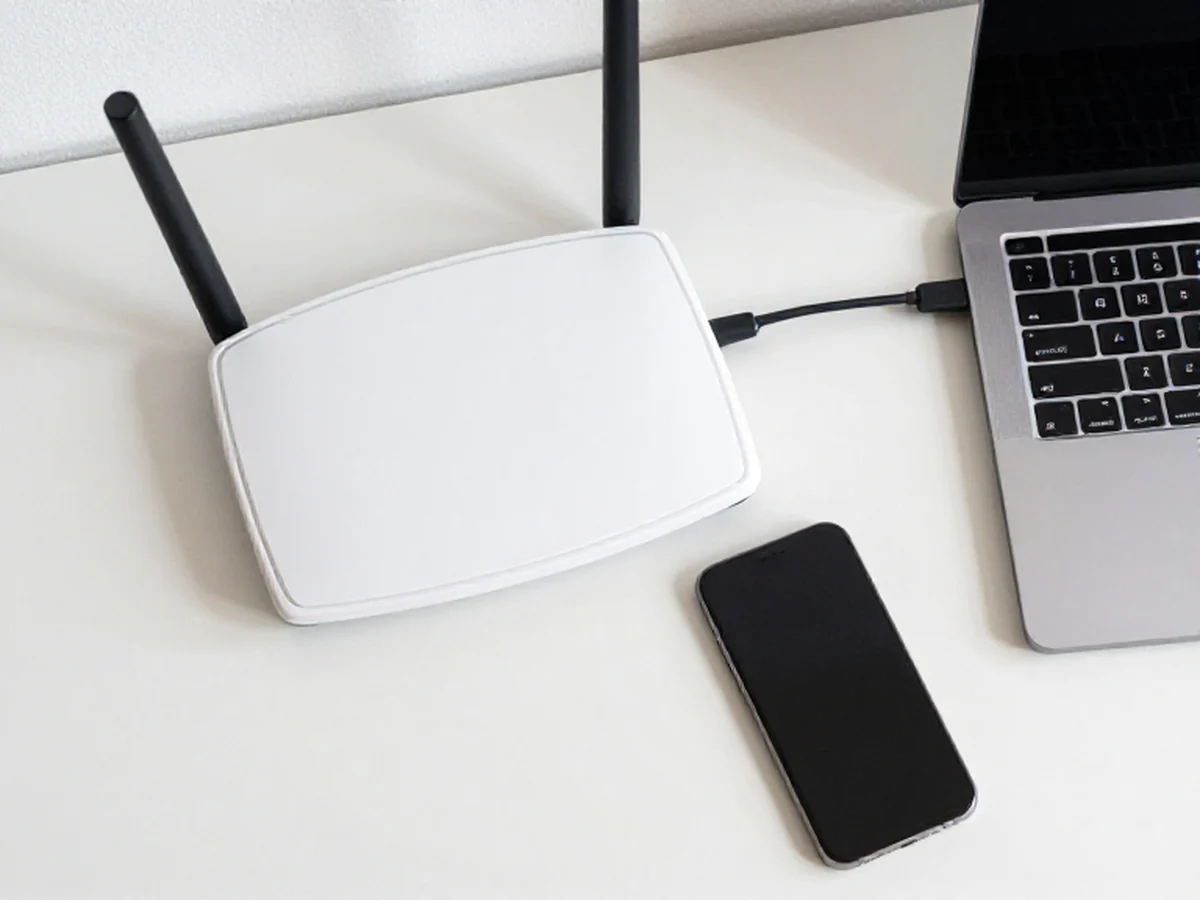
At midnight in the dim living room, I squinted at the router screen to manage the long list of connected devices.
Walking into a room filled with smart speakers and automated lighting, one realizes the scale of the digital footprint left behind. A 2025 Home Network Security audit begins by identifying every single device currently communicating with your wireless access point.
The first step involves logging into your router's administrative interface to view the list of connected clients. You must verify that every listed MAC address corresponds to a physical device you own. If an unrecognized device appears, it is a sign that your network perimeter has been breached.
A Smart Home Security Check requires comparing this digital list against your physical inventory. It is easy to forget about a guest's phone or a smart plug in the garage, but every connection represents a potential entry point.
Moving through your house to check these connections ensures nothing is overlooked.
- Inventory all connected hardware and IoT devices.
- Identify outdated firmware and default credentials.
- Map out data flow between devices and the internet.
How to manage device traffic for better safety?
Sitting at a desk and watching the data throughput on a network monitor reveals how much information flows through the air. A 2025 Network Safety Guide suggests segmenting your traffic to prevent a single compromised device from endangering the entire household.
You should create a dedicated guest network specifically for Internet of Things (IoT) devices. This isolation ensures that if a smart bulb is hijacked, the attacker cannot easily jump to your primary computer or NAS storage.
This separation is a fundamental pillar of a 2025 Home Network Security strategy.
Testing the strength of these boundaries is an essential part of the process. I once found that a single unencrypted smart toy was able to ping my laptop directly because the guest network was not properly isolated.
Ensuring that VLANs or guest isolation features are active is a vital step in defense.

In this sequence, the second step is the most extensive.
What are the steps for a 2025 Home Network Checklist?
Grasping a smartphone to check for pending updates is a daily ritual for many, but it must be more intentional. An effective 2025 Home Network Checklist follows a logical progression to ensure no vulnerability remains unaddressed.
- Change all default administrative credentials on routers and smart hubs to unique, complex passwords. 2. Enable WPA3 encryption if your hardware supports it to provide the strongest current wireless security. 3. Disable UPnP (Universal Plug and Play) to prevent devices from automatically opening ports to the internet.
After completing these steps, perform a final check by attempting to access your router from a mobile device on the guest network. If you can access the main admin panel from the guest network, your isolation is not working. Use these tools to tighten your digital perimeter.
How to implement advanced home network defense?
Looking at a cluttered router closet, one sees the physical hub of the digital home. An Advanced Home Network Defense strategy involves moving beyond simple passwords to more proactive monitoring and hardware management.
As reported by the National Fire Protection Association, there are ways to help prevent home Christmas tree fires. According to the Association (NFPA), there are ways to help prevent home Christmas tree fires.
Regularly checking for firmware updates is the most effective way to patch known vulnerabilities. Most manufacturers release security patches to address specific exploits, and failing to apply them leaves your network open to automated attacks.
A limitation of these security measures is that even the most secure network can be compromised if the physical hardware is easily accessible to outsiders. For example, a person with physical access to a router can often reset it to factory defaults, bypassing all software-level security.
How do I compare different security levels?

Comparing the ease of setup against the depth of protection is a common dilemma for homeowners. The following table compares standard consumer setups with more robust security configurations.
| Feature | Standard Setup | Advanced Defense |
|---|---|---|
| Network Structure | Single Flat Network | Segmented VLANs/Guest Networks |
| Password Policy | Single Shared Password | Unique Credentials per Device |
I often find that while a single password is easier for family members, it lacks the granular control needed for a secure environment. Choosing the right balance depends on your specific household needs and technical comfort level.
The same subject is also called Home Network Audit 2025.
The same subject is also called Home Network Defense Tips.
This part also covers How to Secure Home Network.
Related
Why is modern connectivity a security concern?
- The sheer volume of devices contributing to the connectivity of a modern living space presents a broad attack surface. 2. Each device, from a security camera to a smart appliance, acts as a potential gateway into your local network. 3. If one device lacks proper security, its vulnerability compromises the entire ecosystem.
This inherent interconnectedness means that a weakness in any single point can undermine the security of the whole system, requiring constant vigilance against intrusion attempts.
According to the Artificial Intelligence Consumer Experience Center, users can experience over 100 types of smart products in a living space.





Comments 0