Beyond Software: How Daily Habits Secure Your Digital Life
"Your devices are powerful tools, but overuse without mindful habits turns them into the weakest link in your personal security chain."
Security is less about software patches and more about daily usage habits. Small, consistent behavioral changes, such as using strong passwords and performing timely backups, yield the greatest long-term defense.
Understanding the lifecycle of your digital data and the reality of e-waste is an essential part of modern digital citizenship.
* Security is a behavioral habit, not just a software installation. * Small, consistent changes like MFA and password management create the strongest defense. * Digital hygiene includes managing the physical and environmental footprint of your devices.
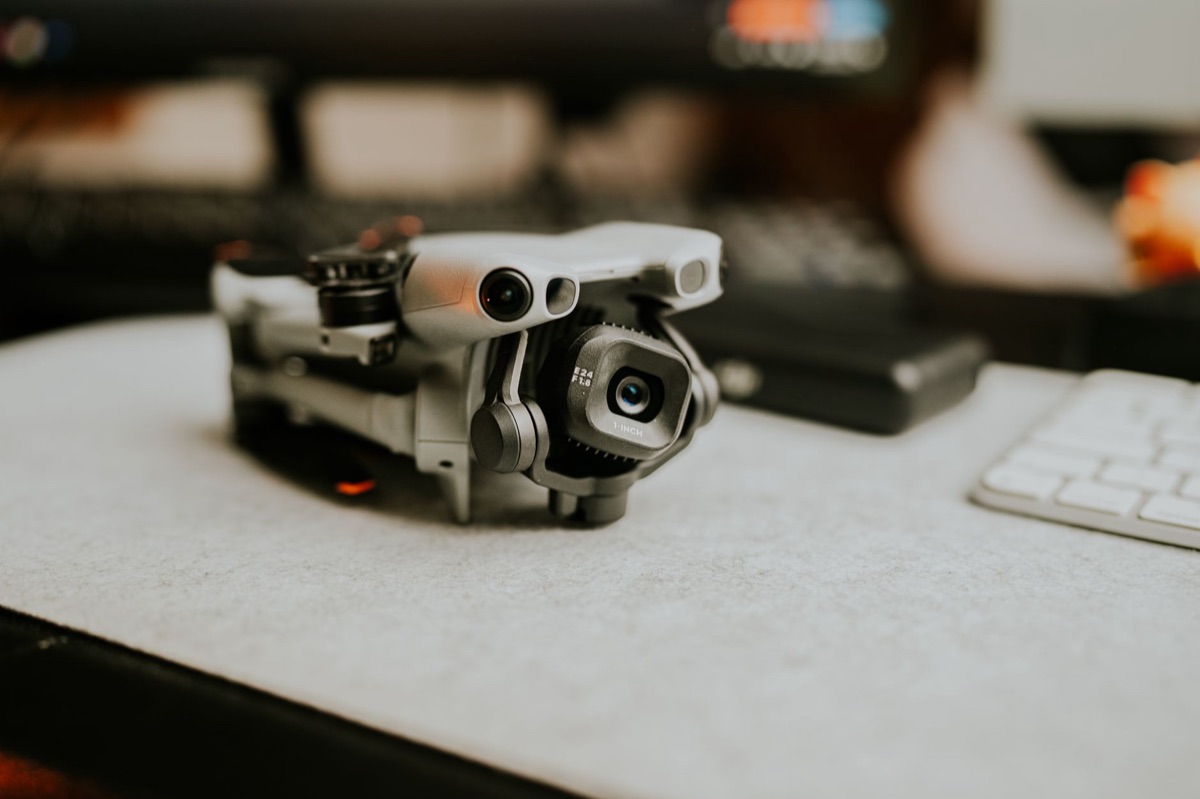
Why is "Digital Overuse" a Security Risk, Not Just a Technical One?
In the quiet of a midnight bedroom, a thumb swipes rhythmically across a glowing screen while the cool air settles around the user.
At 11:30 PM on a Tuesday, the blue light from a smartphone illuminates a darkened bedroom, and a thumb swipes through an endless feed of notifications.
There is no immediate threat visible on the screen, yet the sheer volume of data being transmitted and the constant state of connectivity create a massive, invisible target.
There is no immediate threat visible on the screen, yet the sheer volume of data being transmitted and the constant state of connectivity create a massive, invisible target. The shift in the threat landscape has moved from hardware vulnerabilities to human behavioral vulnerabilities.
While we often worry about a hacker breaking through a firewall, the reality is that most breaches occur because a user's habits created an opening.
Constant connectivity means we are always "on," and every time we connect to a new service, a new door is opened. This constant stream of interaction leads to a compounding effect of poor habits.
When we use the same password for a grocery delivery app and our primary email, we aren't just being lazy; we are creating a single point of failure that can collapse our entire digital life.
Moving beyond the mindset of "I have antivirus installed" to "I have adopted secure habits" is the first step in true defense. The transition from being a passive user to an active defender requires a shift in perspective.
We must recognize that our digital footprint grows every time we interact with a device.
But how do we actually start building that defense without living in constant fear?
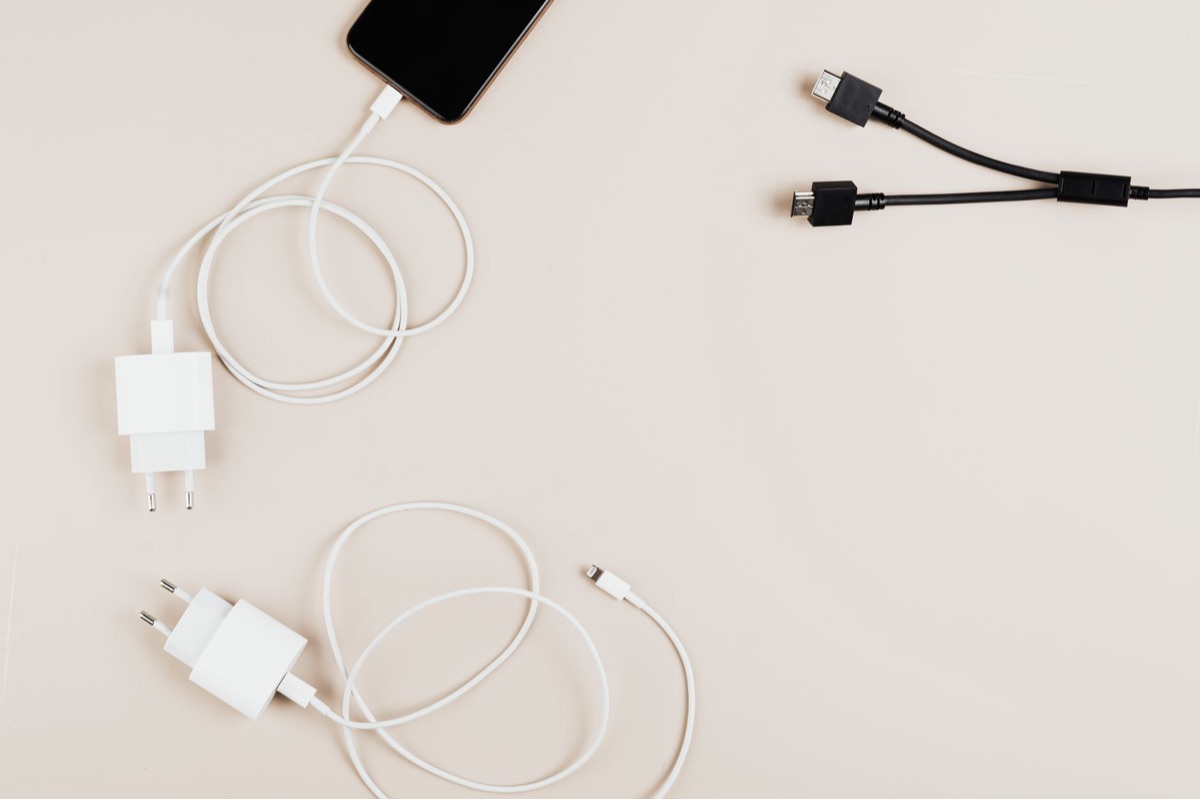
How do I build a basic daily digital defense? At a cluttered desk during dawn, a hand reaches for a laptop to type a complex password while the scent of fresh coffee fills the room.
A laptop sits on a coffee table, and the user enters a long, complex password they have typed a thousand times. They feel secure, yet they realize they cannot remember the password without a sticky note tucked under the keyboard.
Effective digital hygiene starts with robust password management. Simple passwords fail because they are easily guessed or cracked by automated tools. Instead of trying to memorize dozens of unique strings, the modern standard is to use a password manager.
When choosing a manager, look for end-to-end encryption and a reputable track record of security audits.
Multi-Factor Authentication (MFA) is the next critical layer. Moving beyond simple SMS codes—which can be intercepted through SIM swapping—is essential. The gold standard involves using app-based authenticators or, increasingly, Passkeys.
Passkeys use biometric data and local device security to provide a seamless and highly secure login experience.
To spot an attack vector, you must train your eyes to see the cracks in a message. Phishing emails and texts often use urgency or fear to bypass your logic. If a text message demands immediate action regarding a "locked account" and provides a suspicious link, it is likely a scam.
How to Set Up Modern Authentication
- Audit Primary Accounts: Identify your most sensitive accounts (email, banking, social media).
- Enable MFA/Passkeys: Navigate to the "Security" or "Privacy" settings in each account and enable the strongest available MFA method.
- Use an Authenticator App: Download a reputable app to generate time-based codes rather than relying on SMS.
- Store Recovery Codes: When you set up MFA, the service will provide "recovery codes." Print these and store them in a physical safe; they are your only way back in if you lose your device.
When I first started using a password manager in 2025, I was skeptical about putting all my eggs in one basket. However, once I realized that one single leak could compromise my entire life, the shift felt less like a chore and more like an insurance policy.
But what happens when the threat leaves the screen and enters your physical space?
How can I protect my phone, PC, and home network? A smartphone slides into a pocket while walking through a crowded transit station. The user feels the device is secure, but they forget that a single misplaced tap or an unpatched app could grant a stranger access to their entire digital identity.
Mobile security requires active management of app permissions. Many apps request access to your location, contacts, or microphone when they don't actually need them to function. Regularly auditing these permissions and denying unnecessary access limits the data an app can collect and transmit.
The home network is often the biggest blind spot in personal security. Your router is the gateway to every device in your house, from your laptop to your smart fridge. If the router is not secured with a strong, unique password and up-to-date firmware, the entire network is at risk.
Data lifecycle awareness is also vital. Simply deleting a file or a photo does not always mean it is gone from the storage medium. Understanding the difference between a "soft delete" and a secure wipe is important when you are preparing to sell or recycle an old device.
Pre-Departure Checklist: Leaving a Device Unattended
| Action Item | Reason |
|---|---|
| Lock the screen immediately | Prevents physical access and unauthorized input. |
| Check for active sessions | Ensures no one can use an already-logged-in browser. |
| Enable "Find My" features | Ensures you can remote-wipe the device if it is stolen. |
| Clear sensitive temporary files | Minimizes the data visible to a casual observer. |
If you follow these steps, you might feel safe, but the physical reality of our aging technology presents a different kind of risk.
Beyond the Screen: The Environmental & Data Footprint of Digital Life
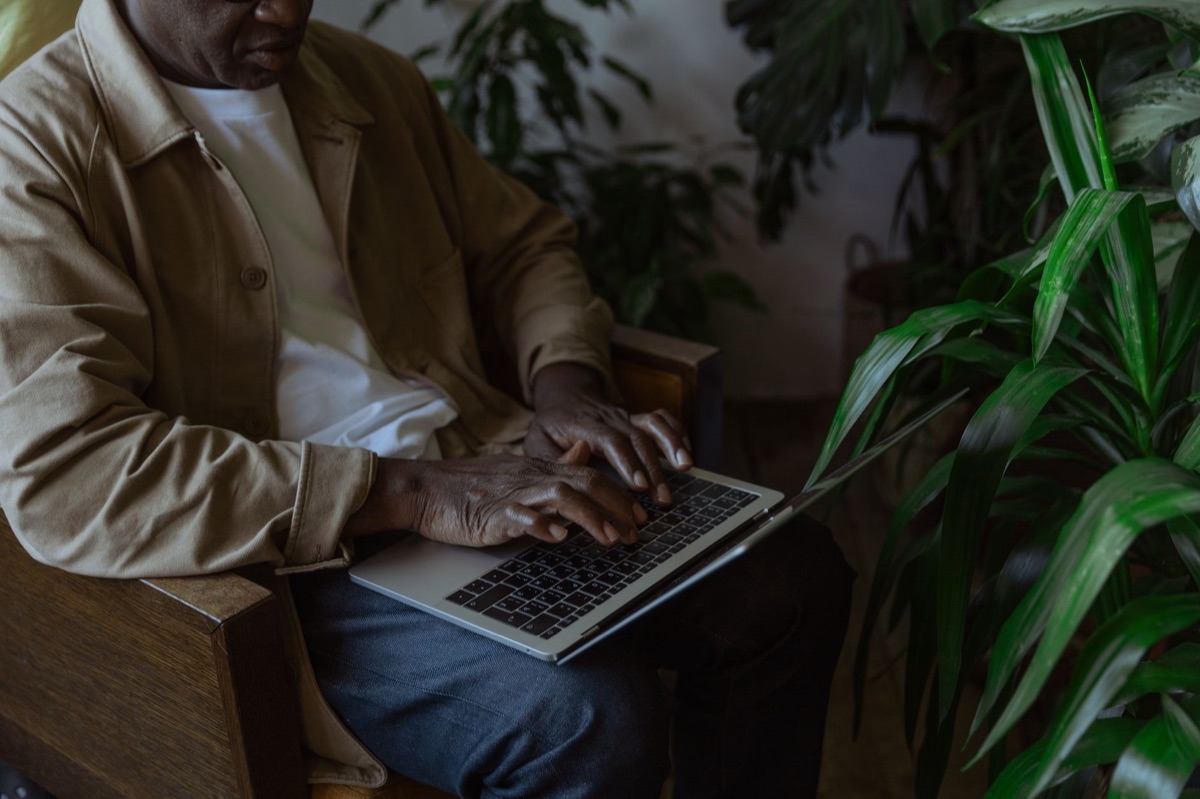
A pile of discarded tablets and tangled charging cables sits in a corner of a garage, gathering dust. This physical clutter represents more than just clutter; it represents the growing mountain of technological waste.
The scale of electronic waste is staggering. In 2022, approximately 62 million tonnes of electronic waste were generated globally. This massive volume highlights the need for a more sustainable and mindful approach to our hardware.
Digital sovereignty is the concept of maintaining control over your own data and digital life. In an era where platforms and corporations hold vast amounts of information, being aware of how your data is used and where it is stored is a form of digital citizenship.
Every digital action leaves a trace. Recognizing the value of your data and minimizing unnecessary data generation—such as closing accounts you no longer use and limiting the amount of personal information you share—is a key part of a healthy digital lifestyle.
But what happens when the worst-case scenario actually occurs?
When Things Go Wrong: Incident Response vs. Proactive Defense
The screen on a computer suddenly turns red, displaying a message that all files have been encrypted and a ransom is demanded. The user's heart races as they realize the consequences of a single clicked link.
When a breach occurs, immediate action is required. If you suspect a compromise, the first step is to isolate the device from the network and change your passwords on a different, known-secure device.
Follow a logical sequence: change the most critical passwords first (email and banking) and then move to secondary accounts.
Interpreting security news is a skill. When a major company reports a data breach, don't just read the headline. Look for the specific details: What was taken? Which users were affected? How can you protect yourself?
Translate that information into immediate action, such as changing a password or enabling MFA on a related service.
The ultimate defense against many digital threats, including ransomware and hardware failure, is a reliable backup strategy. A backup is only useful if it is kept separate from the device it is backing up.
The Three-Two-One Backup Rule
- Three copies of your data: The original and two backups.
- Two different media types: For example, one on an external hard drive and one in the cloud.
- One offsite location: At least one copy should be physically located in a different building to protect against fire or theft.






Comments 0